How to Organize Rental Property Records: A Simple System
Build a practical filing system for rental properties with consistent folders, file names, financial records, secure backups, and a monthly review routine.
Unitlyst Team
You need a lease, but it is buried in email. The repair invoice is in a text thread, last month's rent payment is in a spreadsheet, and the move-in photos are somewhere on your phone. None of those records is useful if you cannot find it when you need it.
Organizing rental property records does not require an elaborate filing system. For a small landlord, a repeatable structure that answers which property, which tenant, what document, and when is often enough. Here is a step-by-step approach you can set up and maintain as your rentals grow.
This is general educational information, not legal, tax, or accounting advice. Requirements for keeping, securing, and disposing of records vary by document and location. Verify the rules that apply to your property and seek qualified advice when needed.
Start by deciding what belongs in the system
Before making folders, list the types of records you already have. Group them into a few useful categories:
- Property: closing documents, insurance, taxes, loan papers, permits, warranties, and improvements
- Tenant and lease: applications, appropriate screening records, signed agreements, addenda, renewals, and move-in or move-out records
- Rent and deposits: charges, payments, balances, receipts, late fees, and security-deposit documentation
- Maintenance: requests, photos, contractor details, invoices, and repair dates
- Inspections: checklists, condition reports, and dated photos
- Communications: important messages, notices, and evidence of delivery
- Expenses and taxes: receipts, invoices, operating costs, improvement costs, and tax-supporting records
For a fuller list of documents to consider—and guidance on record-retention questions—see what documents landlords should keep. You do not need to collect every possible document before getting organized. Start with the records you have and give future records a place to go.
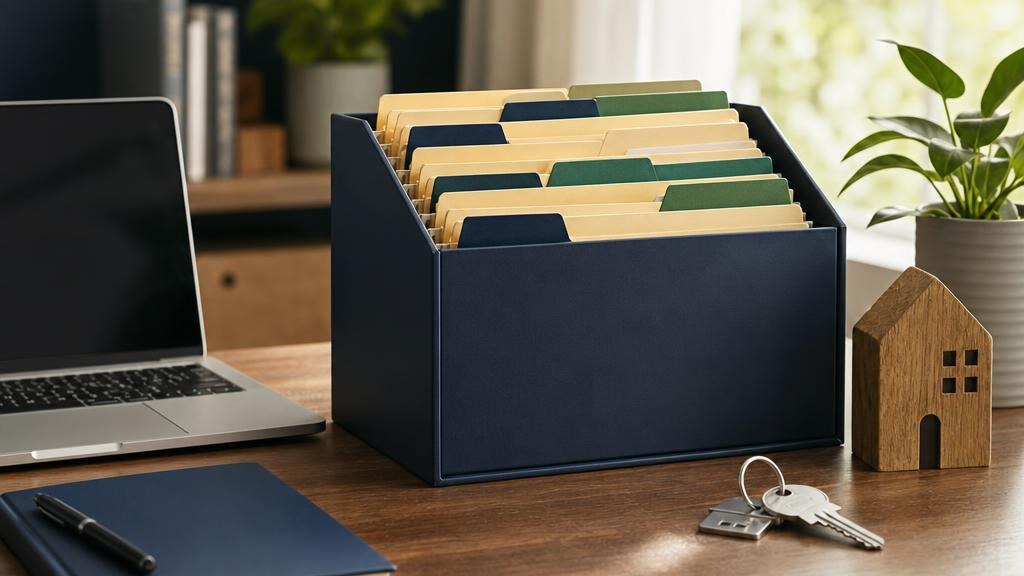
1. Give each property its own home
Create one main folder per rental property. Within each, use the same numbered categories so they appear in the same order every time:
- 01 — Property information: ownership, permits, insurance, and warranties
- 02 — Leases and tenants: signed agreements and tenancy-specific files
- 03 — Rent and deposits: ledgers, receipts, and deposit records
- 04 — Maintenance: requests, work orders, and invoices
- 05 — Inspections: reports, checklists, and photos
- 06 — Expenses and taxes: operating costs and tax support
- 07 — Archive: completed tenancies and older material still being retained
Call the property folder something you will recognize, such as Maple-Street-Duplex, and use that name consistently. If you own several units at one address, add a subfolder or clear unit identifier. Numbering categories is optional, but it prevents the folder order from changing whenever you add a new category.
The point is not that these are the only correct folder names. It is that a lease or invoice should have one predictable destination.
2. Separate one tenancy from the next
Inside the tenant area, create a folder for each tenancy, not just each person's name. If the same renter renews or returns later, you can keep the agreement and records for each tenancy distinguishable.
A tenant folder might contain an application and lawful screening records, signed lease and amendments, move-in photos, important notices and correspondence, and final move-out and deposit documents. Keep general property expenses and the building's insurance policy at the property level rather than duplicating them in every tenant file.
Tenant applications and screening reports may include sensitive information. Restrict access to the people who need it, avoid unnecessary copies, and follow applicable privacy and disposal requirements. A shared folder that contractors can open is not an appropriate place for applicant records.
3. Name files so you can search and sort them
Names like scan001.pdf and final-new-2.pdf make even a tidy folder hard to use. Choose a naming convention and apply it to new files as you receive them.
Date + property or unit + document type + relevant identifier is a workable starting point. For example:
2026-09-01_Maple-St-Unit-2_Signed-Lease.pdf2026-09-15_Maple-St_Plumbing-Invoice.pdf2026-10-01_Maple-St-Unit-2_Move-In-Inspection.jpg
Use YYYY-MM-DD dates so names sort chronologically. Use the date the record represents, and distinguish a charge date from a payment date if both matter. Add tenant identifiers only when useful, and do not put Social Security numbers, bank details, or other sensitive data in file names.
Save the signed document, not just the unsigned template. Preserve earlier agreements and amended versions instead of overwriting them.
4. Give financial records a consistent workflow
Store the documents that support your numbers as well as the numbers themselves. A rent ledger should show what was charged, what was received, when it arrived, and what remains outstanding. Keep deposit activity distinct from rent. File expense receipts and invoices by property and, if helpful, by year.
When you record a repair expense, connect it to the related maintenance request and contractor invoice. For major projects, keep contracts, permits, proof of payment, and completion records together. If you use a spreadsheet, give each property or unit a clear identifier so transactions cannot be mixed up. Our rent-payment tracking guide has a simple monthly reconciliation process.
Where practical, separate personal spending from rental spending. Consistent categories make it easier to review property performance and prepare tax information without reconstructing the year from bank statements.
5. Digitize paper without losing important originals
Scan signed agreements and invoices as readable PDFs, and photograph paper receipts when a scan is not practical. Name and file each copy right away. Put move-in and move-out photos in dated inspection folders rather than leaving them mixed with personal photos on a phone.
Check the copy before discarding anything: make sure every page is legible and the file opens. Keep an original paper document if law, a lender, an insurer, or another practical need requires it. Digitizing a record does not automatically mean the paper original can be destroyed.
6. Back up files and protect access
A single laptop, phone, or external drive is not a backup plan. Use a secure backup separate from the primary location, such as an appropriately secured cloud backup, and make sure you can restore files—not just see that a backup ran.
Limit access by role. Someone helping with a repair may need the work order but not a tenant's application or financial documents. Use strong account security, review shared-folder permissions, and avoid copying sensitive tenant information into general notes. Record your retention rules so old information can be disposed of securely when it is no longer needed and no hold or dispute applies.
7. Make filing a monthly habit
Set aside a short review each month instead of waiting until tax season. In one pass:
- Confirm rent charges, payments, partial balances, and deposit activity.
- File new maintenance requests, completed work, invoices, and warranties.
- Categorize expenses and save supporting receipts.
- Add important tenant communications, notices, and inspection photos.
- Check for missing or misfiled records.
- Confirm that your backup is current and accessible.
The time required depends on your portfolio and how much happened that month. A brief scheduled review is easier than searching across messages and devices months later.
8. Archive a tenancy when it ends
At move-out, close out the tenancy folder rather than deleting it or scattering its contents. Check that it contains the final agreement, payment history, deposit documentation, move-in and move-out reports, photos, notices, and final communications. Move it into the property's archive while keeping active tenants easy to find.
Do not assume every document has the same retention period. Tax, property-basis, tenant, deposit, and dispute-related records can have different requirements. The IRS explains tax-record retention; check state and local rules for tenancy records. If a claim or dispute is pending, do not destroy potentially relevant records simply because your normal retention date has passed.
Spreadsheets or property management software?
A spreadsheet can work for a small portfolio, especially when you maintain it regularly and store the supporting documents in a clear folder system. Its weakness is that payments, documents, and communication often live in different places and require manual reconciliation.
Property management software can help centralize property, tenant, payment, and maintenance activity. It does not remove the need for secure document storage, backups, or careful filing. Choose tools based on the work you actually need to track, and avoid assuming that a payment entry replaces a receipt or signed agreement.
A quick rental-record organization checklist
- Each property has its own folder or clearly identified record.
- Active and archived tenancies are separated.
- Signed leases and changes can be found quickly.
- Rent, deposits, and expenses have distinct records.
- Maintenance requests connect to invoices and completion details.
- Inspection photos are dated and filed by tenancy.
- Important notices and communications are retained appropriately.
- Sensitive tenant records have limited access.
- Files have consistent names and a tested backup.
- A monthly filing and review time is on the calendar.
Start with one property. Create its structure, file the most important current documents, and use the same pattern for the next one. A simple system you follow consistently is more useful than a perfect system you abandon.